

Detailed A-Z Guide to Setting Up Airalo eSIM on iPhone


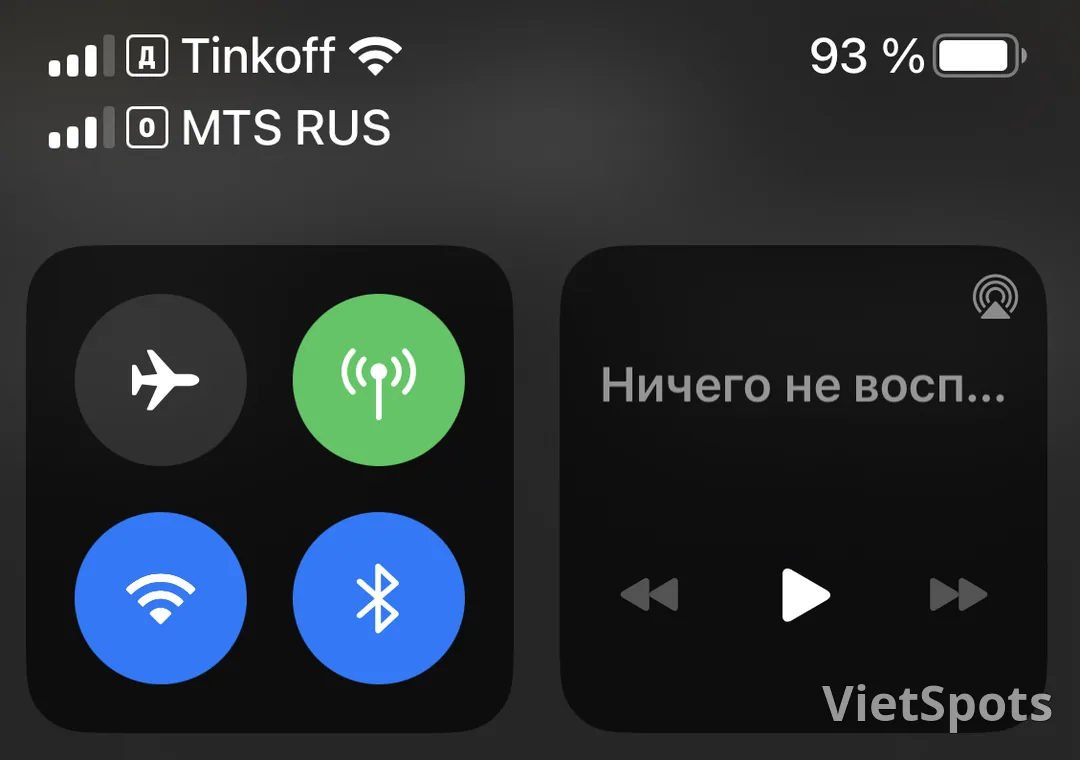
Airalo is the world's most popular eSIM travel provider. Setting up on iPhone takes only 3-5 minutes if you follow the steps below correctly. This article applies to iPhone XS and later, iOS 15+.
Step 1 — Buy Vietnam eSIM package: Download the Airalo app from App Store, create an account, find "Vietnam" in the country list. Choose a suitable package (usually 1GB/7 days for light check-in, 5GB/30 days for a 2-week trip). Payment via Apple Pay, Visa or PayPal. After payment, QR code will appear in the "My eSIMs" tab.
Step 2 — Activate the eSIM before your trip: Switch to another device (laptop, iPad) to display the QR code, since an iPhone cannot scan its own QR code. On iPhone: open Settings → Cellular → Add Cellular Plan → scan QR. Name the label "Vietnam Travel" for easy identification. If you don't have another device, you can manually enter the SM-DP+ address and Activation code (available in the Airalo guide).
Step 3 — Set up upon arrival in Vietnam: After the plane lands in Da Nang, open your iPhone: Settings → Cellular → Cellular Data → select "Vietnam Travel". Turn off "Roaming" for your main SIM to avoid international charges. Within 30-60 seconds, the signal icon and 4G will appear. Check by opening Safari or Google.
Step 4 — Track remaining data: Open the Airalo app, go to the "My eSIMs" tab → select the package you're currently using → check the remaining data. If it's about to run out, you can top up right in the app, no need to reactivate.
Important note: Do not delete eSIM while in use — if you delete it, it cannot be reused (you must purchase a new package). Keep your main Vietnam SIM active if you need to receive bank OTPs. Airalo Vietnam eSIM does not have a phone number to receive SMS, only data.
👉 Buy Airalo Vietnam eSIM now: Choose a suitable data plan for your Da Nang trip at VietSpots eSIM Vietnam — receive QR code via email, follow the 4 steps above and you'll have 4G ready when the plane lands.
Just 5 minutes to set up — your eSIM will be ready the moment you land in Da Nang.
Travel Vietnam with VietSpots, in English
- 🎁 Sign up and get 15 Welcome Pack coupons — e.g. Motorbike Rental 45%
- 👑 Member tier discount up to 15% on site (Silver 5% · Gold 15%)
- 🛂 Auto-fill arrival card📶 Compare lowest eSIM prices🚻 Find toilets
Comments